Efficient delivery management is critical for any business. Whether you run an e-commerce store, a retail shop, or a food supply service, delays in deliveries can impact customer satisfaction and growth.
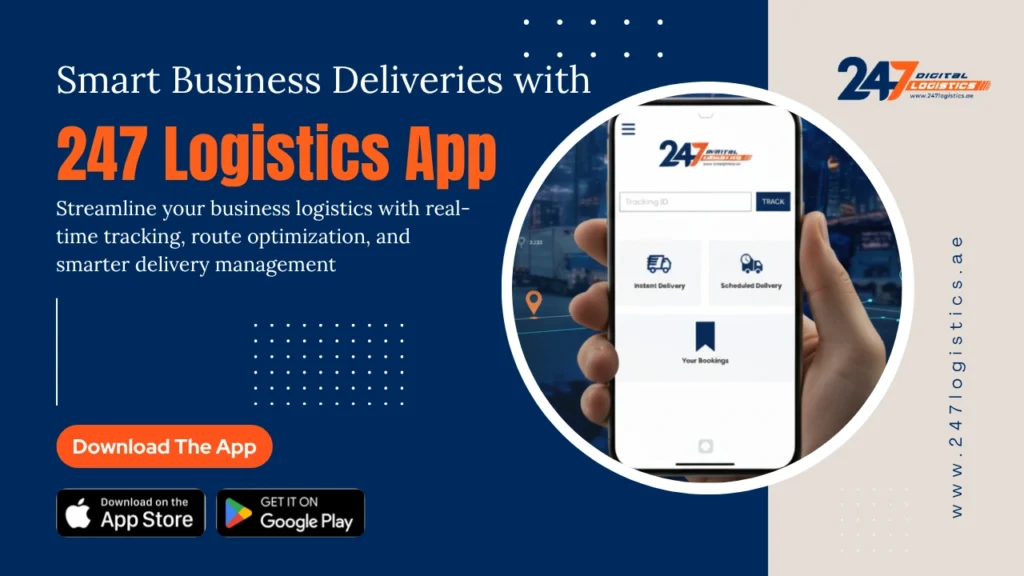
If you want smooth and reliable logistics, the 247 Logistics App for business deliveries is a game-changer. This app makes it simple to book trucks instantly, track shipments in real-time, and manage multiple deliveries with ease. In this blog, we’ll explore the top benefits of using the 247 Logistics App for business deliveries and why it’s the preferred solution for modern businesses.
Why Modern Businesses Need Efficient Delivery Solutions
Time is money, and in logistics, every minute counts. Traditional delivery methods often involve:
Calling multiple truck operators
Negotiating prices manually
Dealing with delayed schedules
Tracking shipments through phone updates
These challenges can slow business growth. The 247 Logistics App for business deliveries solves these problems by providing instant, transparent, and reliable solutions.
Efficient logistics helps businesses:
Save Time: Quick truck bookings mean faster deliveries.
Increase Customer Satisfaction: On-time deliveries improve trust.
Reduce Costs: Avoid unnecessary expenses by paying only for required trucks.
Scale Operations: Handle more orders without adding permanent logistics staff.
Key Benefits of Using the 247 Logistics App
Here’s why businesses love using the 247 Logistics App for business deliveries:
1. Instant Truck Booking
One of the biggest advantages is speed. Businesses can book trucks instantly for same-day or scheduled deliveries. This saves hours compared to traditional methods and ensures that deliveries reach customers on time.
2. Real-Time Truck Tracking
With real-time GPS tracking, businesses know the exact location of their trucks. This improves planning and customer communication, giving full visibility of deliveries from pickup to drop-off.
3. Flexible Truck Options
The app offers a range of vehicles to match different business needs. Whether it’s small parcels, heavy goods, or large shipments, businesses can select the right truck for every delivery.
4. Automated Notifications
Businesses get automatic updates at every stage of the delivery process. Notifications include truck dispatch, expected arrival time, and delivery confirmation. This reduces the need for manual follow-ups.
5. Secure and Easy Payments
The app supports multiple payment options, including card, UPI, and corporate accounts. All payments are secure, eliminating worries about cash handling or delayed invoices.
6. Verified and Professional Drivers
Safety is critical. The app provides verified drivers with professional experience. Businesses can trust that their goods will be handled carefully and delivered on time.
7. Multi-Stop Delivery Management
For businesses with multiple deliveries in a single route, the app supports multi-stop scheduling. This reduces costs and maximizes efficiency for bulk deliveries.
8. 24/7 Customer Support
Any issues or urgent changes can be resolved quickly through the app’s customer support team, available around the clock.
Step-by-Step Guide to Booking a Truck in UAE Using 247 Logistics App
Step 1: Open the App
Download the 247 Logistics App on your smartphone or access it via the web platform.
Step 2: Select Truck Type
Choose the appropriate truck size based on your shipment requirements, whether it’s a small van, medium truck, or large container truck.
Step 3: Enter Pickup and Delivery Locations
Provide the pick-up point and drop-off address. The app uses geolocation for precise mapping.
Step 4: Confirm Booking
Review the truck details, estimated cost, and delivery schedule. Confirm the booking with a single tap.
Step 5: Track in Real Time
Monitor the truck’s movement in real-time through the app. Receive notifications for estimated arrival and delivery updates.
Step 6: Post-Delivery Reporting
Once the delivery is complete, access reports on delivery times, cost, and truck utilization to optimize future operations.
Who Can Benefit From the 247 Logistics App?
The app is perfect for many types of businesses:
Retail Shops: Move inventory between warehouses and stores.
Food Suppliers: Deliver perishable goods safely and on time.
Event Management Companies: Transport equipment for events quickly.
Home Delivery Services: Handle multiple customer deliveries in a day.
No matter the business type, the 247 Logistics App for business deliveries helps improve efficiency, reduce errors, and scale operations faster.
How It Simplifies the Delivery Process
Booking and managing deliveries has never been easier. Here’s a simple step-by-step guide for businesses:
Download the App: Available on Play Store and App Store.
Create an Account: Sign up with email or phone number.
Enter Pickup & Drop Locations: The app calculates the cost and distance.
Select Truck Type: Choose according to cargo size and urgency.
Confirm Booking: Get instant confirmation with driver details.
Track Delivery: Monitor the shipment in real-time for better planning.
By following these steps, businesses can save time, reduce mistakes, and provide faster deliveries.
Conclusion
Efficient logistics is essential for growing businesses. The 247 Logistics App for business deliveries offers instant bookings, real-time tracking, verified drivers, flexible truck options, and 24/7 support.
By using this app, businesses can scale faster, save time, reduce costs, and deliver a better experience to their customers. Whether you run an e-commerce store, retail shop, or delivery service, the 247 Logistics App ensures your deliveries are smooth, reliable, and efficient.
Don’t let logistics slow your business growth. Download the 247 Logistics App today and enjoy fast, easy, and reliable business deliveries.